
SDAI 1.2.0: A new look
SDAI 1.2.0 introduces a new icon and name, adds German on Android and iOS, and makes the Android FOSS and Full builds easier to tell apart.
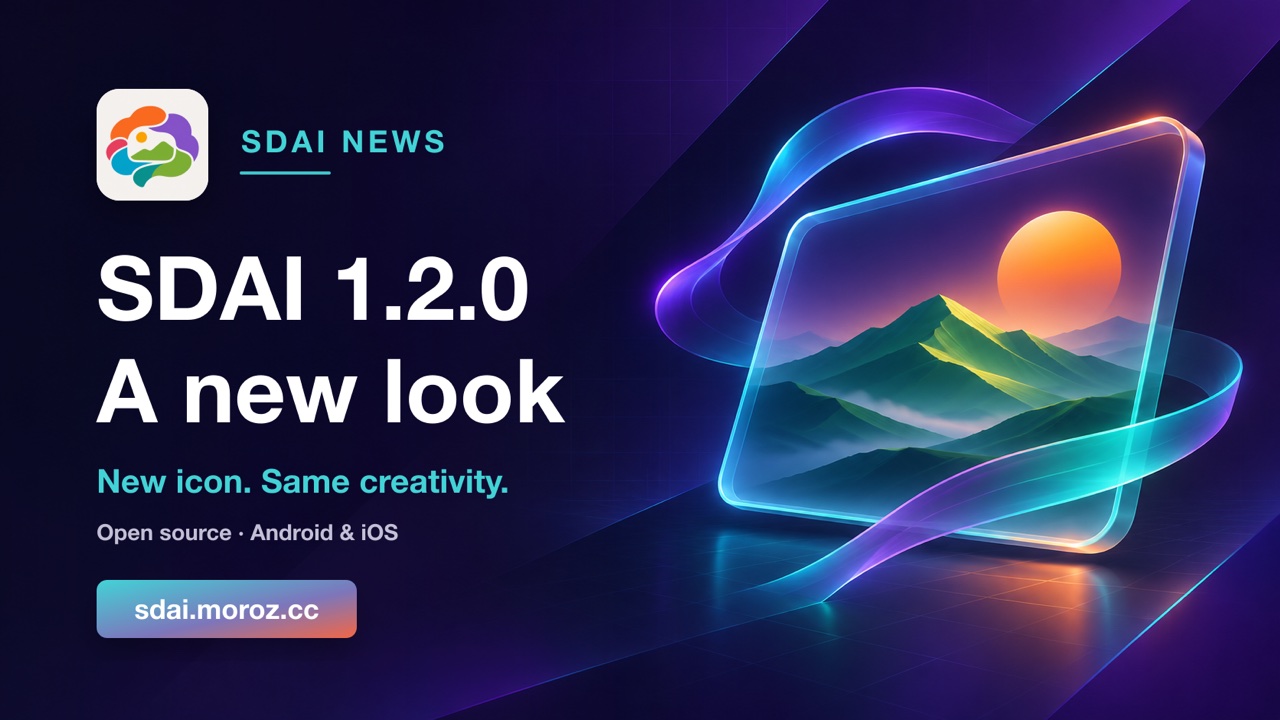
The name you’ll see in your launcher and on the project website is now SDAI. Version 1.2.0 brings a new icon to Android and iPhone, along with updated store artwork and German language support on both platforms.
The new icon puts a small landscape inside a multicolored frame. If you have more than one Android edition installed, look for the blue FOSS or FULL label in your launcher. The Google Play and iOS editions use the icon without a label.
German support and the new project name
German is available in the Android and iOS apps. We also went through the onboarding screens and provider descriptions across the supported languages to update references to the project. SDAI is still the open-source app you can use with a server you run yourself, a hosted image provider, or a compatible model on your phone.
The source repository now goes by ShiftHackZ/SDAI-KMP. If you link to the project from your own setup notes or a provider guide, that’s the address to use. The release also regenerated the Kotlin API documentation.
Picking the right Android download
If you install updates from GitHub, use the same Android edition you already run. Build 220 has two APKs on the 1.2.0 release on GitHub.
- FOSS uses
sdai-foss-release-1.2.0.apk. - Full uses
sdai-full-release-1.2.0.apk.
Both downloads have a corresponding SHA-256 checksum file on GitHub. If you installed through a store, check for updates there. Store listings can update on a different schedule from the GitHub release.